
Mahabaleshwar1.3 - Google Play
You'll be able to see results in few seconds.
Publisher Description
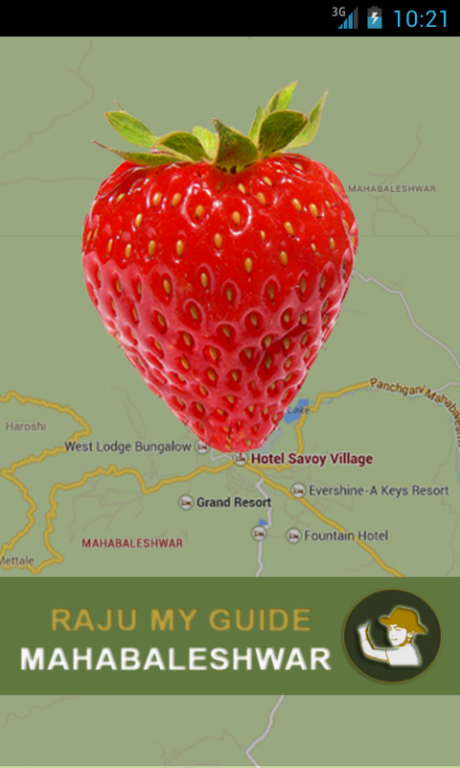
Visiting Mahabaleshwar-'The summer capital of Bombay Presidency'
Rajumyguide Mahabaleshwar app provides the user every possible information for your trip like
Places to Visit-Scenic View,Waterfalls,Amusement Parks,Jam and Honey Factories, Hotels,Restaurants,Shops and what they sell,Utilities like Petrol Pumps,Car Mechanics,ATMs,Banks,Public and Private transport,Car Parking and Public toilets.In case of Emergency,it guides you to the Police Station,Doctors,Medical Stores,Ambulances.
The app will help you to plan your itinerary and have a safe, enjoyable and happy holiday.This app can be useful for both locals and tourists.
The app has promotions which will help you get more value for your money.
Features of the app.
DEVELOPED BY A LOCAL -So you can get to know some things not available anywhere on the internet.
WORKS OFFLINE-After initial updates you do not have to be online except to navigate to a location.
DIRECTORY-You can call directly all the hotels,restaurants,shops,utilities and emergency numbers.
When you are visiting Mahabaleshwar for the first time or in need of any assistance,either in day or night,when no one is around to help,this App will guide you in taking the right decision.
Looking forward for your reviews to improve the app and a promise from you to keep Mahabaleshwar,clean and green.
Wishing you Happy Holidays!
About Mahabaleshwar
The company that develops Mahabaleshwar is Raju My Guide. The latest version released by its developer is 1.3.
To install Mahabaleshwar on your Android device, just click the green Continue To App button above to start the installation process. The app is listed on our website since 2014-12-30 and was downloaded 0 times. We have already checked if the download link is safe, however for your own protection we recommend that you scan the downloaded app with your antivirus. Your antivirus may detect the Mahabaleshwar as malware as malware if the download link to com.inet.push_notification is broken.
How to install Mahabaleshwar on your Android device:
- Click on the Continue To App button on our website. This will redirect you to Google Play.
- Once the Mahabaleshwar is shown in the Google Play listing of your Android device, you can start its download and installation. Tap on the Install button located below the search bar and to the right of the app icon.
- A pop-up window with the permissions required by Mahabaleshwar will be shown. Click on Accept to continue the process.
- Mahabaleshwar will be downloaded onto your device, displaying a progress. Once the download completes, the installation will start and you'll get a notification after the installation is finished.
Program Details
System requirements
Download information
Pricing
Version History
version 1.3
posted on 2014-12-30
Disclaimer
Official Google Play Link
We do not host Mahabaleshwar on our servers. We did not scan it for viruses, adware, spyware or other type of malware. This app is hosted by Google and passed their terms and conditions to be listed there. We recommend caution when installing it.
The Google Play link for Mahabaleshwar is provided to you by apps112.com without any warranties, representations or guarantees of any kind, so access it at your own risk.
If you have questions regarding this particular app contact the publisher directly. For questions about the functionalities of apps112.com contact us.
